

Microsoft's new Microsoft 365 commercial prices took effect on July 1, 2026.
If your shop runs email, Teams, or Office apps through Microsoft 365, this is a planning item, not a panic. The useful move is to know your seats, know what you actually use, and talk through the change before your next renewal or bill.
What Microsoft announced
According to Microsoft's own licensing update, commercial Microsoft 365 pricing updates took effect July 1, 2026. For the Business plans most local companies use, Microsoft lists:
- Business Basic: from $6 to $7 per user per month
- Business Standard: from $12.50 to $14 per user per month
- Business Premium: stays at $22 per user per month
These are Microsoft's list prices. Your plan's term and billing can change what you pay. So your invoice won't match these lines exactly. The direction is what matters.
Microsoft also lists packaging updates that began rolling out in June 2026. For Business Basic and Business Standard, that includes a larger mailbox (+50GB email) and time-of-click URL protection, plus Copilot Chat enhancements called out on the same page. Business Premium also gets the +50GB mailbox and the Copilot Chat items.
Source: Microsoft Licensing Resources, "Microsoft 365 Pricing and Packaging Updates," February 16, 2026.
Microsoft's page says: "Pricing updates take effect July 1, 2026." It also says existing customers remain on current pricing until renewal, and customers get at least 30 days notice in Message Center before packaging changes show up in their tenant.
What this doesn't mean
It doesn't mean you should ignore the bill until it surprises you.
It also doesn't mean your IT provider can freeze Microsoft's price for you. RE2TECH passes Microsoft's pricing through. When Microsoft changes commercial rates, those changes show up for customers.
Microsoft says existing customers stay on current pricing until renewal. Month-to-month plans renew monthly, so that timing can come up sooner than an annual term. We won't promise RE2-specific dates beyond what Microsoft publishes.
What we can do is help you get clear now: how many seats you pay for, who still needs them, and whether you're on the right plan for how your people actually work.
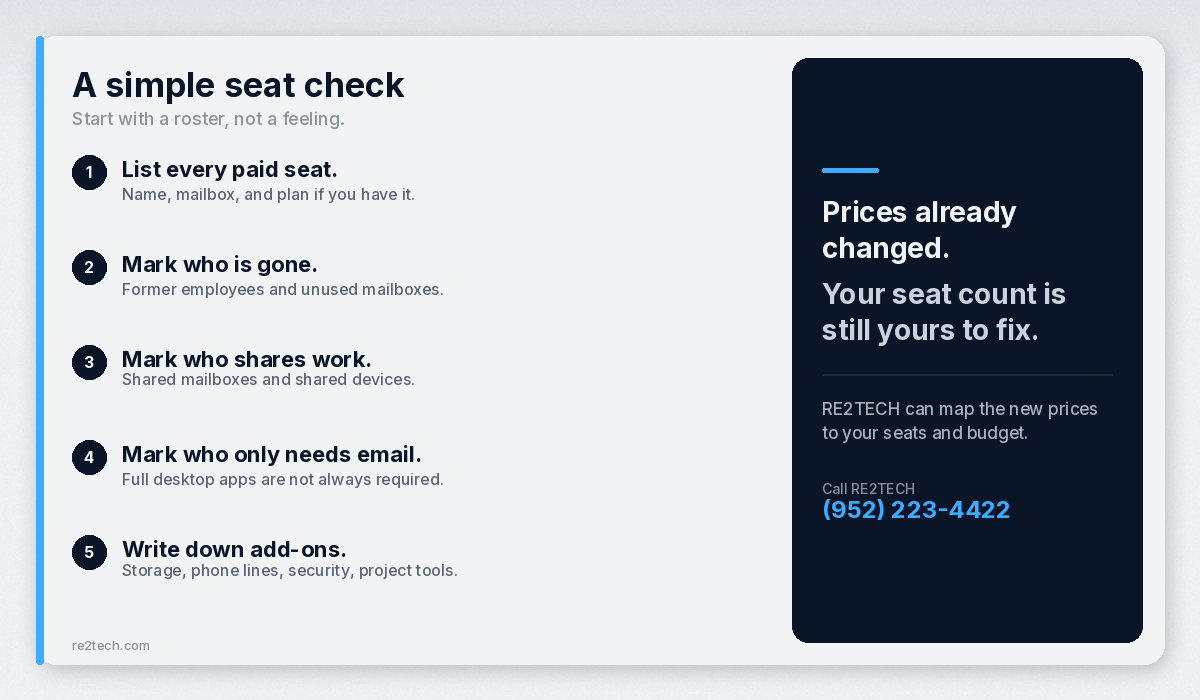
A simple seat check
Start with a roster, not a feeling.
- List every paid seat. Name, mailbox, and plan if you have it.
- Mark who is gone. Former employees and unused mailboxes are a common leak.
- Mark who shares work. Shared mailboxes and shared devices get messy fast when seats are guessed.
- Mark who only needs email. Some people don't need the full desktop apps every day. Some do. Guessing either way costs money.
- Write down add-ons. Extra storage, phone system lines, security extras, and project tools can matter more than the base plan bump.
You don't need a perfect spreadsheet. You need a list you trust enough to talk through.
Why the dollars matter even when the bump looks small
A dollar or two per user per month doesn't sound like much until you multiply it.
Take Business Basic. A one-dollar monthly increase is $12 a year per seat. Twenty seats is $240 a year. Fifty seats is $600 a year. Business Standard's jump is larger on paper. Multiply that by your headcount and you have a real budget line, not a rounding error.
Software seats deserve the same look as rent and insurance.
What to decide before your next renewal or bill
You don't have to finish every cleanup today. You should decide these three things before your next renewal or bill:
1. Are we paying for people who left?
If the answer is "probably," fix it now. Waiting just raises the cost of the same waste.
2. Are we on the right plan for the work?
Some teams need Premium's security and device controls. Some don't. Some people need Standard's desktop apps. Some live in the browser. Matching the plan to the job beats buying the highest tier for everyone "just in case."
3. Who owns the renewal conversation?
If nobody owns Microsoft 365 licensing inside your company, the invoice becomes the plan. Pick a person. Give them the seat list. Have them call us if they want a second set of eyes.
How RE2TECH helps without the fluff
We run IT for businesses around Jordan, Scott County, and the Twin Cities. When Microsoft changes commercial pricing, our job is to translate the announcement into your seats and your budget.
We pull your seat list, flag unused or odd accounts, walk through plan fit in plain English, and help you decide what to change before your next renewal.
If you want the packaging detail straight from Microsoft, use the link above. If you want the version that maps to your people, call us.
A practical timeline
Now through early 2027: Clean unused seats. Confirm who needs desktop apps. Write down add-ons.
Before your next planning meeting: Put the July 1, 2026 price change on the agenda with a rough seat count and dollar impact.
Before your next renewal or bill: Finish the obvious cleanups. Lock the plan choices you already know. Call RE2TECH if the list got messy or you added staff.
You don't need a project plan with twenty phases. You need a list, an owner, and a date.
Bottom line
Microsoft published a commercial price change that took effect July 1, 2026. Business Basic and Business Standard went up. Business Premium stays at $22 per user per month on Microsoft's list. RE2TECH passes those Microsoft changes through.
The useful response is boring and effective: know your seats, cut what you don't need, and review plan fit before your next renewal or bill.
Call to action
Want a plain read of what the July 1 Microsoft 365 change means for your seats? Call RE2TECH at (952) 223-4422.